Betsider iOS App

The official Betsider iOS app for iPhone and iPad, available directly from the Apple App Store, puts the full casino and sportsbook behind one login.

Betsider iOS App Overview

Getting the Betsider iOS app onto an iPhone or iPad takes three moves: open the Apple App Store, search "Betsider", then tap Get and let the App Store handle the install. Once it lands on the home screen, signing in or registering opens the same casino and sportsbook that run on the desktop site, only resized and rearranged for a touchscreen. Everything sits behind one login and one wallet, so a deposit made through the Betsider iOS app shows up right away if the account is opened later on a laptop or an Android phone.

This page walks through what the Betsider iOS app actually does once it is installed: the casino and sportsbook running side by side, Face ID and Touch ID login, push alerts for settled bets and new offers, and the Interac, card, e-wallet and crypto options sitting in the in-app cashier. There is a compatibility rundown for iPhone and iPad, a side-by-side look at the app against the no-download mobile site and the Android APK, a short FAQ, and the licensing details that cover Canadian play under the Government of Curaçao.

Most of the people searching for a Betsider iOS app download already have an account and simply want it on a new phone, while others are opening a Canadian account for the first time and would rather do the whole thing from a couch than a laptop. Either path lands in the same place: an iPhone or iPad running the App Store build, with a shared balance across the casino floor and the sportsbook, and every setting from bet size to notification type sitting a couple of taps away.

iOS App Key Numbers

5,000+ Casino Games in the App
C$20 Minimum Deposit
0-24h E-Wallet & Crypto Payouts
24/7 In-App Support

Casino and Sportsbook in One iOS App

Casino Games on iPhone and iPad

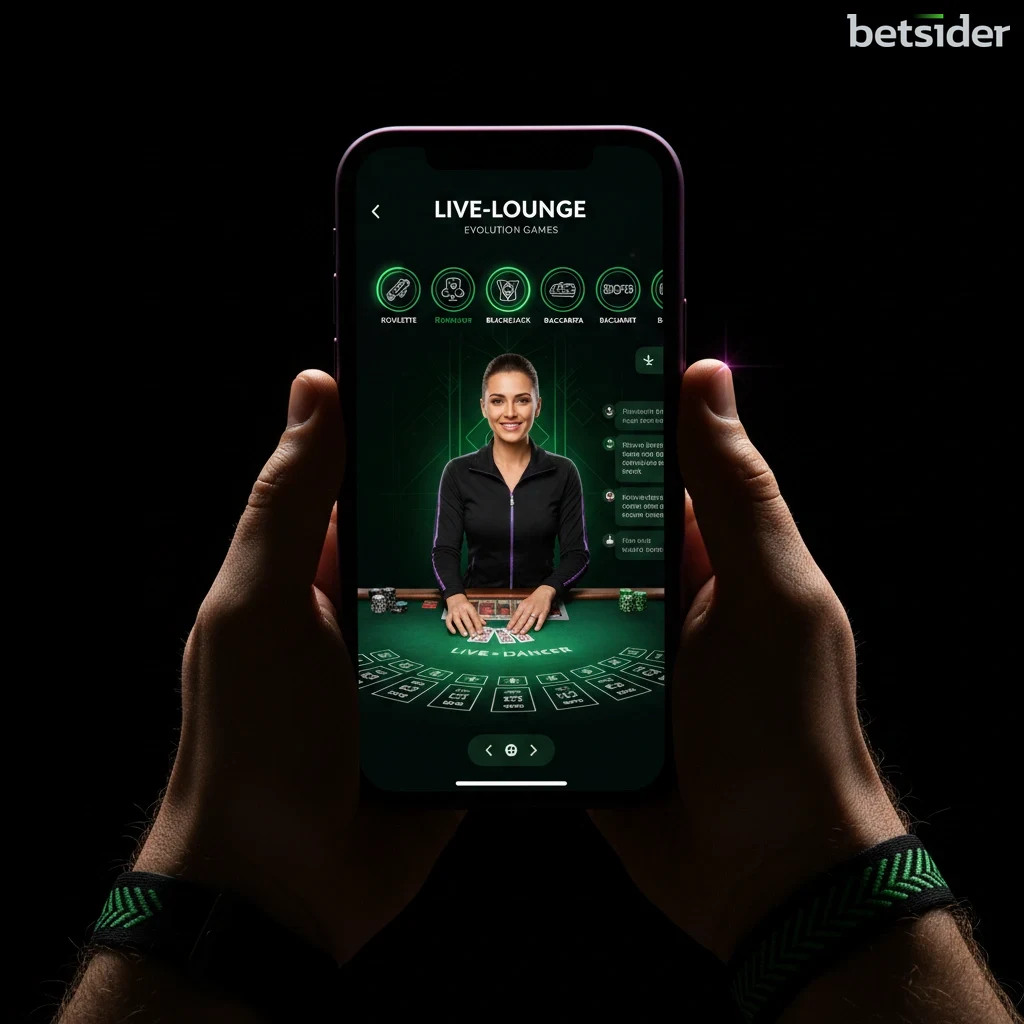
The casino side of the Betsider iOS app carries the same 5,000+ game library found on the desktop site, spanning slots, RNG tables and a live dealer floor, all loading inside the App Store build rather than a browser tab. Titles are grouped by provider and game type, so scrolling through slots or jumping straight to a table takes a couple of taps rather than a search. A full rundown of the collection sits on the Betsider slots page for anyone who wants to browse before installing anything on a phone.

Loading a slot on a phone screen behaves differently than on a desktop monitor, and this is where the touchscreen layout earns its keep. Reels, paylines and bonus buy buttons sit within thumb reach, and the live dealer tables keep the video feed large while tucking the betting controls along the bottom edge, so a hand of blackjack on an iPhone does not feel cramped next to the same table on a laptop.

Sportsbook and Live Betting

Sports betting runs through the same iOS build and the same account balance, so a deposit made for casino play is just as ready for a pre-match wager or an in-play bet. Odds refresh inside the app without a page reload, and moving from a slot to a live match takes one tap on the bottom menu. The current market list lives on the Betsider sportsbook page for anyone comparing coverage before committing to a deposit.

Watching a game and managing a bet slip at the same time is the main reason people reach for a phone instead of a browser tab, and the layout is built around that habit. A bet slip stays open in a drawer at the bottom of the screen while scores and markets keep updating above it, so a parlay can be built across several matches without losing track of what has already been added.

Getting the iOS App Set Up on iPhone

Step 1

Search the App Store

Open the App Store on an iPhone or iPad and type "Betsider" into the search bar. Tapping any download link on the Betsider website also redirects straight to this listing, which is the safest route into the real iOS app rather than a look-alike from an unrelated publisher.

Step 2

Confirm Compatibility and Install

The Betsider iOS app runs on a current version of iOS across recent iPhone and iPad models. A stable Wi-Fi connection makes the install quicker, though a mobile data connection works fine too. Tapping Get starts the standard Apple installation, and the app appears on the home screen once it finishes.

Step 3

Log In or Register

Existing players can sign in with the same details used on the desktop site through the Betsider login screen, and the balance, betting history and saved details all carry across. New players in Canada can register directly inside the app in a few short steps.

Step 4

Turn On Face ID or Touch ID

After the first sign-in, the app offers biometric login. Switching on Face ID or Touch ID means the next session opens with a glance or a fingerprint instead of a typed password, a small change that saves real time across a week of regular play.

Step 5

Deposit and Start Playing

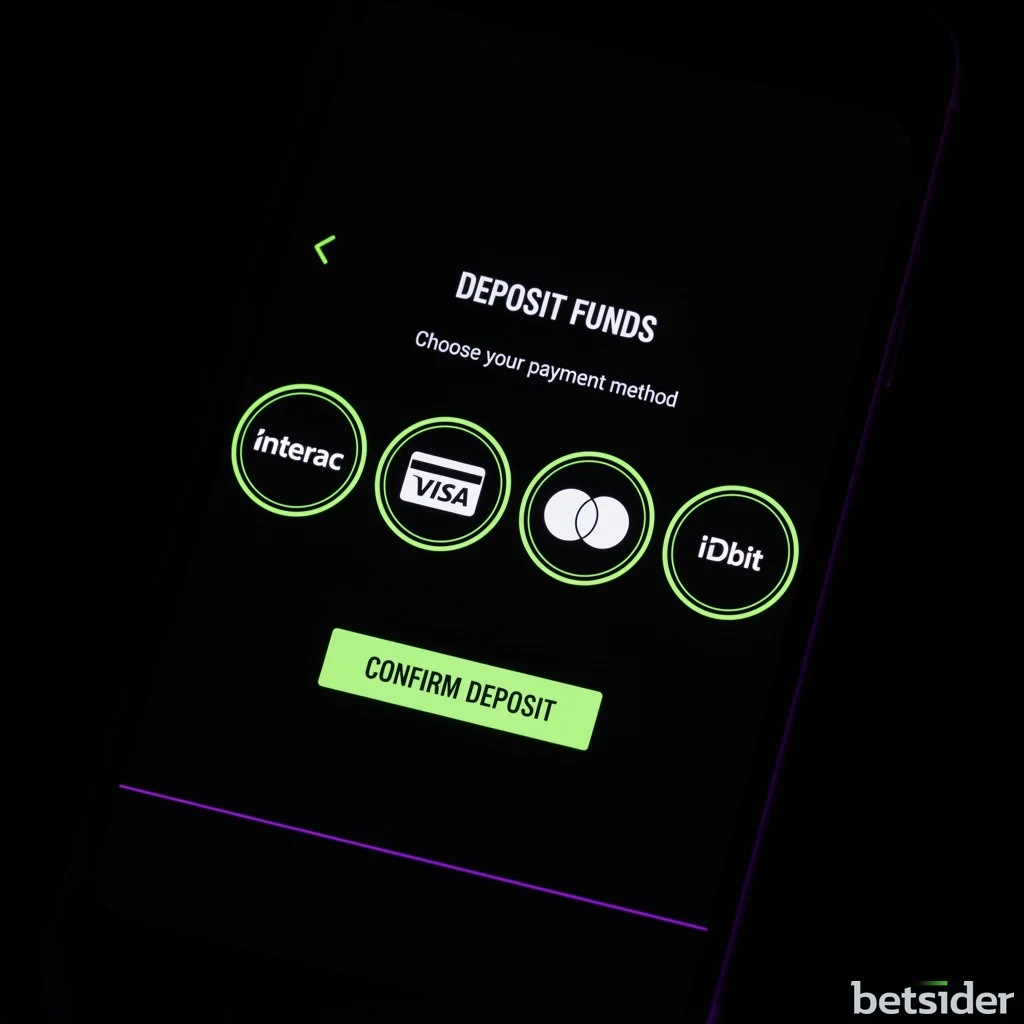
The in-app cashier accepts Interac, Visa, Mastercard, e-wallets and crypto, with a C$20 minimum deposit on most methods. Once funds are in, the casino and sportsbook both sit one tap away from the home screen, ready to play in Canadian dollars. Method details and limits sit on the Betsider payments page.

iOS App Install Steps at a Glance

The full walkthrough above covers the reasoning behind each step; the table below is a shorter version to skim through while downloading the Betsider iOS app on an iPhone or iPad for the first time.

Betsider iOS app install steps for iPhone and iPad
StepWhat to do
🔍 SearchOpen the App Store and search "Betsider"
📲 InstallTap Get and let the App Store install the Betsider iOS app
🔑 Sign inLog in with an existing account or register as a new Canadian player
🆔 Face IDTurn on Face ID or Touch ID from the app settings for faster access
💳 DepositFund the account with Interac, cards, e-wallets or crypto (C$20 min)
🎰 PlayOpen the casino or sportsbook and place a first bet
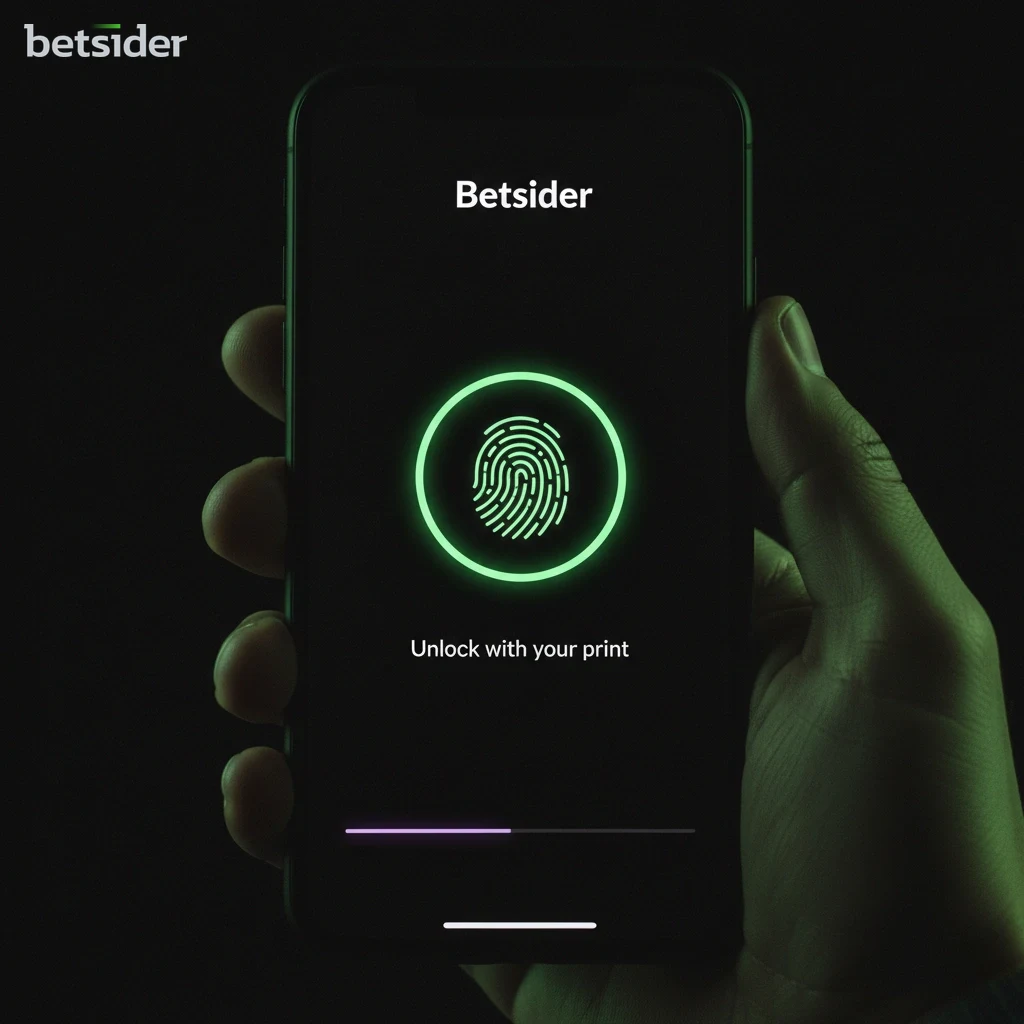
Betsider iOS app login screen prompting for Face ID authentication on an iPhone

Face ID, Touch ID and Push Alerts on iPhone

Biometric login is one of the more noticeable upgrades the Betsider iOS app has over a browser tab. Face ID on newer iPhones and Touch ID on older iPhone and iPad models both work, and either one replaces a typed password after the first sign-in. It is a security feature as much as a convenience one, since a face or fingerprint is harder to copy than most passwords, and the setting can be switched off again from the same in-app menu it was turned on from. Anyone who prefers a typed password can still use the standard Betsider login screen instead.

Push notifications sit next to biometric login as the other iOS-specific convenience worth turning on. Once enabled, they surface settled bets, credited bonuses and account updates directly on the lock screen, without opening the app to check anything. Canadian bettors following a live match tend to lean on these the most, since a settled in-play bet shows up the moment it clears.

What the iOS App Adds on iPhone and iPad

Casino and Sportsbook in One Place

The full 5,000+ game casino and the complete sportsbook load inside a single iOS app, so there is no second app to install for live betting.

Face ID and Touch ID Login

Skip the typed password on repeat visits by unlocking the account with a glance or a fingerprint instead.

Push Notifications

Settled bets, credited bonuses and account alerts land on the lock screen the moment they happen, no refreshing needed.

In-App Cashier

Interac, Visa, Mastercard, e-wallets and crypto all sit inside the Betsider iPhone app, with a C$20 minimum deposit and payouts reaching e-wallets and crypto in 0 to 24 hours.

HTML5 Performance

The iOS app runs on HTML5, which keeps slots, live tables and in-play odds moving smoothly on a touchscreen.

24/7 In-App Support

Live support is reachable from inside the app around the clock, so a payment question or a login issue does not need a separate browser tab.

Built for Canadian Play

Balances, deposits and payouts run in Canadian dollars throughout the Betsider iPhone app, with no currency conversion at any step.

One Betsider Wallet, Two Ways to Play

Casino and sportsbook share the same balance inside the app, so switching from a slot to a live bet never means moving money between separate accounts.

What Actually Changes Once the App Is Installed

Faster Opening

Tapping a home screen icon skips typing a web address and waiting on a full page load every session.

Saved Filters

Provider and game-type filters tend to stay set between sessions, so a favourite slot category is one tap away next time.

Quicker Balance Checks

Balance and bonus progress sit on the account tab without navigating through a full desktop-style menu first.

Steadier on Mobile Data

Because it runs on HTML5 rather than reloading full web pages, the Betsider iPhone app tends to hold up better on a patchy mobile connection.

One Menu for Everything

Casino, sportsbook, cashier and account settings sit behind a single bottom tab bar instead of a scattered desktop layout.

Notifications On Your Terms

Every alert category can be toggled independently, so bet settlements can stay on while marketing pings stay off.

Where the iOS App Runs

The iOS app is built for the Apple ecosystem specifically, which is why it appears once in the App Store rather than as a scaled-up version of an Android build.

iOS App Technical Snapshot

Apple App Store listing for the Betsider iOS app on an iPhone screen

Official App Store Distribution

The iOS app is distributed only through the Apple App Store for Canadian users. Every listing there has passed Apple's standard review process before it reaches a device, which rules out unofficial copies circulating outside the store.

iPhone and iPad side by side both running the Betsider iOS app

iPhone and iPad Compatibility

The app is built to work across recent iPhone and iPad models running a current version of iOS. Apple's own compatibility check on the App Store listing confirms whether a specific device qualifies before the download starts.

Storage settings screen on an iPhone before installing the Betsider iOS app

Free Up Space Before Downloading

Keeping some free storage available makes the install and later updates run smoother. The App Store shows the exact space a device needs before the download begins, so there are no surprises partway through.

Face ID authentication prompt inside the Betsider iOS app

Face ID and Touch ID Built In

Signing back in after the first session can be done with a glance or a fingerprint instead of a typed password, using Apple's own Face ID or Touch ID framework.

Push notification settings screen for the Betsider iOS app on iPhone

Configurable Push Alerts

Notifications can be tuned to settled bets, live score swings or new promotions, and each category can be switched on or off from the app's own settings rather than the phone's system settings.

In-app cashier showing Canadian deposit methods on the Betsider iOS app

Familiar Canadian Payment Methods

The in-app cashier carries Interac, Visa, Mastercard, e-wallets and crypto, with a C$20 minimum deposit on most methods and payouts reaching e-wallets and crypto within 0 to 24 hours once approved.

Smooth slot game animation running inside the Betsider iOS app

Smooth HTML5 Performance

Rather than reloading a full webpage for every action, the app runs on HTML5, which keeps slot spins, live dealer streams and odds updates moving without the stutter a mobile browser sometimes shows.

Betsider iOS app open on an iPad showing an expanded game layout

A Layout That Fits the iPad Screen

On an iPad, the same app stretches to use the larger display, giving more room to a game grid or a set of betting markets than the iPhone layout allows.

iPhone and iPad Compatibility for the iOS App

Before downloading the Betsider iOS app, it helps to know what the App Store expects from a device. The requirements are intentionally broad, covering most iPhone and iPad models that run a current version of iOS, and the App Store itself confirms compatibility for the exact device in hand before the download begins.

Device and iOS compatibility for the Betsider iOS app
Device or settingWhat to expect
📱 iPhoneSupported on recent models running a current iOS version, confirmed on the App Store listing
📲 iPadSame app, larger layout; works on recent iPad models on a current iOS version
🔄 iOS updatesKeeping iOS current keeps the app eligible for the newest updates and features
💾 StorageSome free device storage is recommended for a smooth install and future updates
🌐 ConnectionWi-Fi is recommended for the first install; mobile data works fine for everyday use
🔐 AccountOne login and one wallet across iPhone, iPad, desktop and Android

Choosing Between iPhone and iPad for the App

Both devices run the exact same install from the App Store, so the choice between an iPhone and an iPad usually comes down to how and where the app gets used rather than any missing feature. An iPhone stays in a pocket, which suits a quick bet slip check on a commute, a fast slot spin during a break, or a live score glance mid-conversation. The smaller screen means fewer markets or games sit visible at once, but everything is still reachable through the same menus.

An iPad, on the other hand, turns the same iOS app into something closer to a desktop session without needing an actual desk. The bigger display gives the game grid more room to breathe and lets a set of sportsbook markets sit next to a live stream without constant scrolling. Anyone who splits time between casino sessions and following a full slate of matches during a weekend tends to prefer the iPad version once they have tried both.

Betsider iOS app live casino and sportsbook screen on iPhone
Betsider iOS app slot filter menu on iPhone
Betsider iOS app cashier screen showing deposit options

Deposits, Withdrawals and Support in the App

The in-app cashier on the Betsider iOS app mirrors what is available on desktop: Interac, Visa and Mastercard for card and bank-linked deposits, a set of e-wallets, and major cryptocurrencies for players who prefer that route. The standard minimum deposit sits at C$20 across most methods, and funds are typically available the moment a deposit clears, so there is no waiting around before placing a first bet or spin.

Withdrawal requests go through a short review before they move, and from there the speed follows the method chosen. E-wallet and crypto withdrawals through the app usually land within 0 to 24 hours once approved, which is the quickest route available. Support sits inside the app around the clock as well, so a question about a pending payout or a login issue can be resolved from the same screen the deposit was made on, through the Betsider payments page for full method details and limits.

A common pattern among Canadian players is funding the account once from the Betsider iOS app before a weekend of matches, then topping up from the same cashier screen if a promising live line shows up mid-game rather than switching devices. Since the balance is shared with the browser site and desktop, a deposit made from the app on a Saturday morning is just as usable from a laptop that evening, with no need to move funds between separate wallets.

iOS App vs Mobile Browser vs Android APK

The iOS app is not the only way to reach the platform from a phone. Android users have a direct APK download available from the Betsider site rather than the Apple App Store, and anyone who prefers not to install anything at all can use the no-download mobile browser site, which runs the same casino and sportsbook through a standard browser tab. All three routes lead to the same account and the same balance, so the choice comes down to device and personal preference rather than access to features.

Deciding between them is mostly a question of habits rather than missing functionality. An iPhone or iPad owner who wants Face ID login and push alerts gets the most out of the dedicated build, while someone who shares a phone or borrows a device now and then may prefer the browser site precisely because it leaves nothing installed behind. Android owners sit in the middle, with the direct APK offering the same convenience the Betsider iOS app gives Apple users.

iOS app compared with the mobile browser and Android APK
FeatureiOS AppMobile BrowserAndroid APK
📲 InstallApple App StoreNo download neededDirect APK from the Betsider site
🆔 Biometric loginFace ID / Touch IDNot availableDepends on device support
🔔 Push notificationsYes, in-appNot availableYes, in-app
🎰 Casino + sportsbookFull library, one walletFull library, one walletFull library, one wallet
💳 PaymentsInterac, cards, e-wallets, cryptoSame methodsSame methods
⚡️ PerformanceHTML5, tuned for iPhone and iPadDepends on browser and connectionHTML5, tuned for Android

None of the three routes is a downgrade from the others in terms of what can actually be played or bet on; the differences sit entirely in convenience features layered on top of the same casino and sportsbook. Switching between them mid-week, an iOS app on a phone during the day and a browser tab on a laptop at night, works without any extra setup since the account and balance travel with the login rather than the device.

Secure payment and SSL encryption icons displayed inside the Betsider iOS app

Payments and Data Security in the App

All financial transactions and personal data handled through the Betsider iOS app are secured with 256-bit SSL encryption, the same class of protection most Canadian banks rely on. That protects a deposit, a withdrawal request or an identity check from the moment it leaves the phone, whether the connection is Wi-Fi at home or mobile data on the road.

The wider platform behind the app operates under a Government of Curaçao licence, which sets rules around fair play and how player funds are handled. Players opening the Betsider iOS app for the first time can also opt into the same 100% match up to C$1,000 plus 200 free spins listed on the Betsider bonuses page, since welcome offers run on the account rather than a specific device.

Keeping the download official matters just as much as the encryption behind it. Installing the Betsider iOS app only from the Apple App Store, rather than a link forwarded through a message or a search result promising a shortcut, is the simplest way to avoid an imitation app trying to collect login details. The App Store listing itself is the one consistent marker to check before typing in a password.

Casino, Live Betting and Sportsbook on iPhone

Security and Trust in the App

SSL security padlock icon representing encryption in the Betsider iOS app

256-bit SSL Encryption

Every login, deposit and withdrawal made through the Betsider iOS app travels over an encrypted connection, protecting personal and payment details from the device outward.

Government of Curaçao gaming licence badge shown for Betsider

Government of Curaçao Licence

The platform behind the Betsider iOS app holds an international gaming licence from the Government of Curaçao, which sets standards for fair play and fund handling.

Responsible gaming settings screen shown inside the Betsider iOS app

Responsible Gaming Tools

Deposit limits, cool-off periods and self-exclusion are all reachable from the account section of the Betsider iPhone app, not buried behind a separate policy page.

24/7 live chat support panel open inside the Betsider iOS app

24/7 In-App Support

Live chat support is available around the clock from inside the Betsider iPhone app, useful for a payment question at an odd hour or a quick account check before a bet.

Canadian iPhone Users on the App

Downloading the Betsider iOS app took less time than logging into the mobile site used to. Face ID gets me straight into my account, and I check live odds on my iPhone during breaks without any lag.

Liam G., Toronto, ON

I mostly play slots on my iPad in the evening. The bigger screen makes the game grid easier to scroll, and my Interac deposit landed instantly the first time I funded the app.

Chloé L., Montréal, QC

Push notifications turned out to be the feature I use the most. I get an alert the second a bet settles, so I am not sitting there refreshing a browser tab on my phone.

Noah B., Vancouver, BC

iOS App: Strengths and Trade-offs

Strengths

One Wallet for Casino and Sportsbook

A single balance covers slots, live tables and every sportsbook market, so there is no shuffling funds between separate apps or waiting for a transfer to clear before switching from one to the other.

Faster Repeat Logins

Face ID or Touch ID replaces typing a password every time the app is opened, which adds up over a week of regular use and matters most during a live match when every second counts.

Alerts Without Checking Manually

Push notifications for settled bets and new offers mean the Betsider iPhone app does not need to stay open in the background, and each alert type can be switched on or off independently.

Consistent Canadian Dollar Pricing

Every balance, bonus and payout inside the Betsider iPhone app runs in Canadian dollars, so there is no currency conversion to account for at deposit or withdrawal time.

Trade-offs

App Store Distribution Only

The iOS app installs only through the Apple App Store, so anyone avoiding App Store accounts would need the browser site instead, which still opens the identical casino and sportsbook.

Same Library as the Browser Site

The app does not add games or markets beyond what the mobile browser already offers; the benefit is speed and convenience, not extra content or exclusive titles.

Storage Space Still Matters

A device that is already close to full on storage may need some clearing out before the app installs cleanly or before an update can download.

Get the iOS App on Your iPhone

Get the iOS App
Person holding a smartphone with the Betsider app interface open, showing casino game icons

One Account Across Every Platform

Whichever screen a session starts on, the account underneath stays the same. Registering once covers the Betsider iOS app on an iPhone, the same app on an iPad, the Android APK, the no-download browser site and the full desktop version, so there is no separate profile to manage for a household with a mix of devices. A bonus claimed on one, a deposit made on another and a bet placed on a third all draw from the same balance and the same history.

This matters most for anyone who splits time between a phone during the day and a bigger screen at night. A live bet placed from the Betsider iOS app on a commute shows up in the betting history the moment a laptop is opened later, with nothing to sync manually and nothing left behind on the device it started on.

Android and No-Download Alternatives for iPhone Users

Not every household sticks to one operating system, and the platform is built with that in mind. Android users can grab a direct APK download from the Betsider site rather than going through Google Play, which mirrors the same casino and sportsbook found in the Betsider iOS app but built for Android hardware. It carries the same C$20 minimum deposit and the same 0 to 24 hour e-wallet and crypto payout window.

For anyone who would rather skip installing anything, the no-download mobile browser site covers the same ground again, running through any modern phone browser without a home screen icon. It lacks the biometric login and push notifications that make the Betsider iOS app convenient, but the games, markets and account balance are identical either way. Anyone wanting a full comparison of every access point, app, browser and Android APK, can start from the Betsider home page and branch out from there.

The iOS App: Short Version

Downloading the Betsider iOS app is a three-step job: search the App Store, install, and sign in. What comes after that is the part worth knowing about ahead of time, a shared wallet across casino and sportsbook, Face ID login, push notifications, and a Canadian-dollar cashier with a C$20 minimum and same-day e-wallet or crypto payouts. None of that changes whether the install happens on an iPhone or an iPad, and the same account keeps working on the browser site or the Android APK if a different device ends up in hand later.

Anyone still weighing the casino side on its own merits before committing to an install can look through the Betsider casino page first and come back to the App Store afterward; the games and the account are identical either way.

Frequently Asked Questions About the iOS App

📲 How do I download the Betsider iOS app?

Open the Apple App Store on an iPhone or iPad, search "Betsider", and tap Get. The app installs the standard way and appears on the home screen once it finishes. Any download link on the Betsider website also redirects straight to the same App Store listing, which is the safest way to reach the genuine Betsider iOS app.

🍏 Is the Betsider iOS app available on iPad as well as iPhone?

Yes, the same Betsider iOS app installs on both iPhone and iPad from the same App Store listing. On an iPad, the layout stretches to use the larger screen, giving more room to the game grid or a set of betting markets than the iPhone version shows at once.

🆔 Can I use Face ID or Touch ID to log into the Betsider iOS app?

Yes. After the first sign-in, the Betsider iOS app offers biometric login through Apple's Face ID or Touch ID framework. Turning it on replaces a typed password with a glance or a fingerprint on future sessions, and it can be switched off again from the same settings menu at any time.

💰 What is the minimum deposit inside the Betsider iOS app?

The standard minimum deposit through the in-app cashier is C$20 on most methods, including Interac, Visa, Mastercard, e-wallets and crypto. Deposits are typically available the moment they clear, so there is no delay before placing a first bet or spin in the app.

⏱️ How fast are withdrawals through the Betsider iOS app?

E-wallet and crypto withdrawals requested through the Betsider iOS app usually land within 0 to 24 hours once the request is approved. Every withdrawal passes a short internal review first, which applies the same way whether the request comes from the app, the browser site or a desktop.

🎰 Does the Betsider iOS app include the full casino library?

Yes, the casino section of the Betsider iOS app carries the same 5,000+ game library available on desktop, covering slots, RNG table games and a live dealer floor. Nothing is trimmed down for mobile beyond the layout being resized for a touchscreen.

⚽ Can I bet on sports live through the Betsider iOS app?

Yes, the sportsbook inside the Betsider iOS app supports pre-match and live in-play betting, with odds updating inside the app rather than through a page reload. The bet slip and account balance are shared with the casino side, so switching between the two takes a single tap.

🔔 Will the Betsider iOS app send me notifications?

Push notifications can be turned on during setup or later from the app settings. Once enabled, they cover settled bets, credited bonuses and account updates, landing on the lock screen without needing to open the Betsider iOS app to check.

🤖 Is there an alternative to the Betsider iOS app for Android users?

Yes, Android users can download a direct APK from the Betsider site instead of using the Apple App Store. It mirrors the same casino and sportsbook found in the Betsider iOS app, including the C$20 minimum deposit and the 0 to 24 hour e-wallet and crypto payout window.

🌐 Do I need to download anything to play on an iPhone?

No, the no-download mobile browser site runs the same casino and sportsbook through any modern phone browser without an install. It shares the same account and balance as the Betsider iOS app, though it does not offer Face ID login or push notifications.

🔐 Is the Betsider iOS app safe and licensed?

The Betsider iOS app runs on 256-bit SSL encryption, matching the standard used by most Canadian banks, and the platform behind it holds an international gaming licence from the Government of Curaçao. Responsible gaming tools, including deposit limits and self-exclusion, sit inside the account section of the app.

🧾 Do I need a separate account for the Betsider iOS app?

No, a single Betsider account covers the Betsider iOS app, the Android APK, the no-download browser site and desktop. Logging into the Betsider iOS app shows the same balance, betting history and saved payment details as anywhere else the account is used.

Start Playing on Your iPhone Today

Download Now