Betsider App Download

One login for the full casino library and sportsbook, with biometric sign-in, push alerts and Canadian dollar banking on iPhone and Android.

What the Mobile App Covers

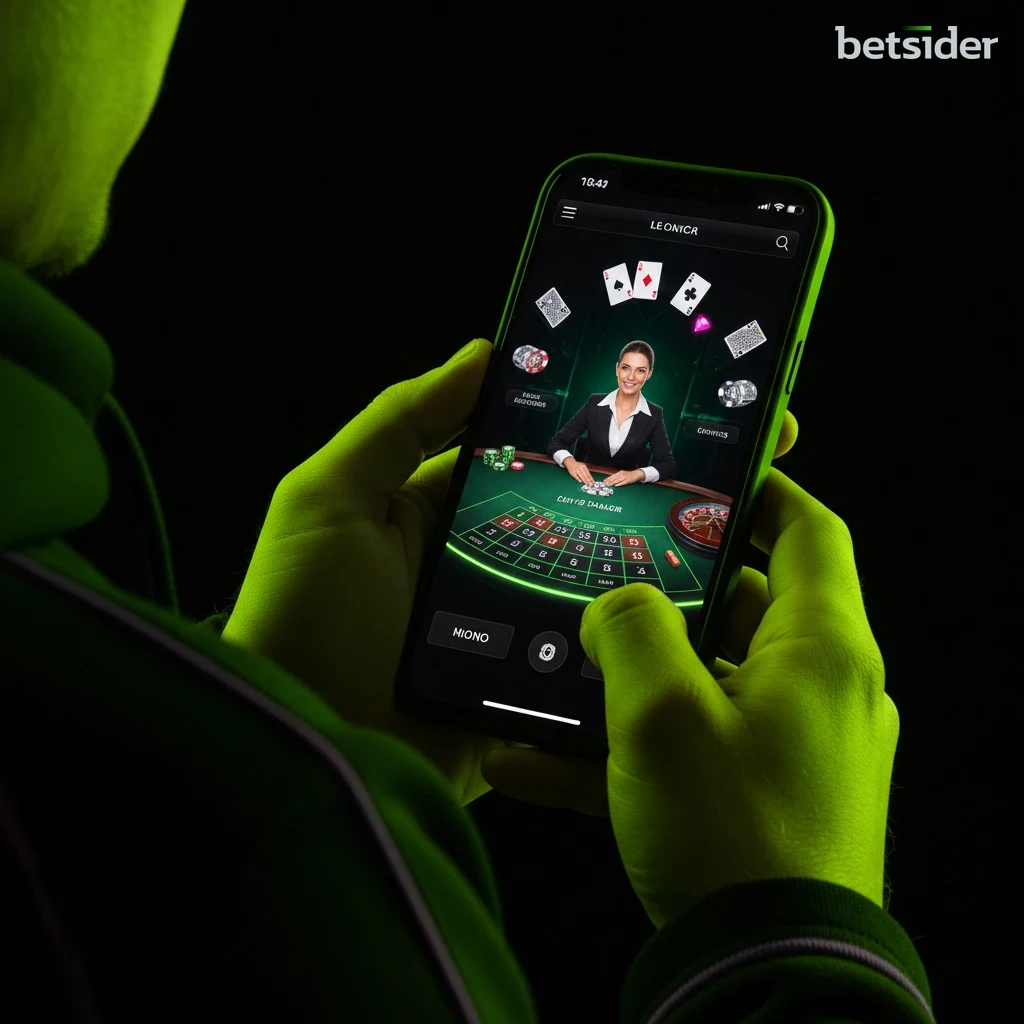
The Betsider app is the native way to reach the platform's casino library and sportsbook from a phone or tablet, built for iPhone through the Apple App Store and for Android through a secure APK offered directly on the site. Installing it takes a few minutes: get the file from the correct store or link for the device, run the install, then sign in with an existing account or register a new one from the login screen. Once inside, biometric sign-in through Face ID or a fingerprint keeps repeat access quick, and push notifications flag odds moves and bonus alerts without needing the mobile browser open in the background.

Everything below breaks the app down by what actually matters before installing it: where the iOS and Android builds come from, how the two setup paths differ, what the casino and sportsbook sections look like once loaded, the payment methods and payout windows available from the in-app cashier, and the security and licensing behind the platform. A comparison table sits a little further down for a fast read, and a full FAQ closes out the page for anyone with a narrower question about devices, storage or account access.


App at a Glance

The table below sums up the Betsider app before the longer walkthrough that follows. It covers where each build comes from, what a Canadian player gets once it is installed, and how it lines up against using the site through a mobile browser instead.

Betsider app snapshot for Canada
FeatureWhat you get
πŸ“± PlatformsNative iOS app and native Android app, plus a mobile browser version
🍎 iOS sourceApple App Store
πŸ€– Android sourceSecure APK, direct download from the site, no Google Play listing
🎰 Casino gamesFull library, 5,000+ titles including slots and live dealer tables
πŸ’ SportsbookFull sportsbook with live betting on the same wallet as the casino
πŸ” LoginFace ID or fingerprint biometric sign-in supported
πŸ”” AlertsPush notifications for odds moves and bonus offers
πŸ’³ BankingInterac, Visa, Mastercard, e-wallets, crypto; C$20 minimum deposit
⏱️ Payouts0–24h for e-wallets and crypto once approved
🌐 TechRuns on HTML5, works on modern iOS and Android phones and tablets
πŸ›ŽοΈ Support24/7 live support reachable from inside the app
πŸ”’ Security256-bit SSL encryption on every connection
πŸ’΅ CurrencyCanadian dollars (C$)
πŸ›οΈ LicenceGovernment of CuraΓ§ao

Where to Download the App

Betsider skips a Google Play listing on Android and hands out the APK straight from the site instead, so installing on a phone or tablet means picking the right path for the device rather than searching an app store by name.

Setting Up on iOS and Android

Betsider App on iPhone and iPad

iOS users install the standard way, through the Apple App Store listing, which handles verification and updates the same way any other App Store title does. Once the icon lands on the home screen, opening it drops straight into a login screen where an existing account signs in immediately or a new one gets created without leaving the app. Face ID takes over from there for anyone who wants to skip typing a password on every session.

Android App via Secure APK

Android skips Google Play entirely. The APK sits on the site itself, so the file downloads directly rather than through a store listing, and the device will likely ask for a one-time permission to install from outside the Play Store before the file opens. That step is standard for any APK, not specific to this platform, and the install finishes the same way, ending on a login or registration screen identical to the iOS build.

Installation Steps Compared

Both builds land in the same place, a signed-in account with access to the full casino and sportsbook, but the path to get there differs enough between an iPhone and an Android device to lay out side by side. Anyone who wants the iOS build specifically can also start from the dedicated Betsider iOS app page, which links directly to the App Store listing.

iOS vs Android install steps
StepiOS (App Store)Android (Secure APK)
1️⃣ StartOpen the App Store and search for the app, or use the download link on this pageTap the Android download link on this page to start the APK file
2️⃣ ConfirmTap Get, then confirm with Face ID, Touch ID or an Apple ID passwordAllow installs from outside the Play Store when the device prompts for it
3️⃣ InstallWait for the app icon to appear on the home screenOpen the downloaded file and confirm the install
4️⃣ Sign inLaunch the app and log in or register a new accountLaunch the app and log in or register a new account
5️⃣ Secure itTurn on Face ID for faster future loginsTurn on fingerprint login for faster future logins
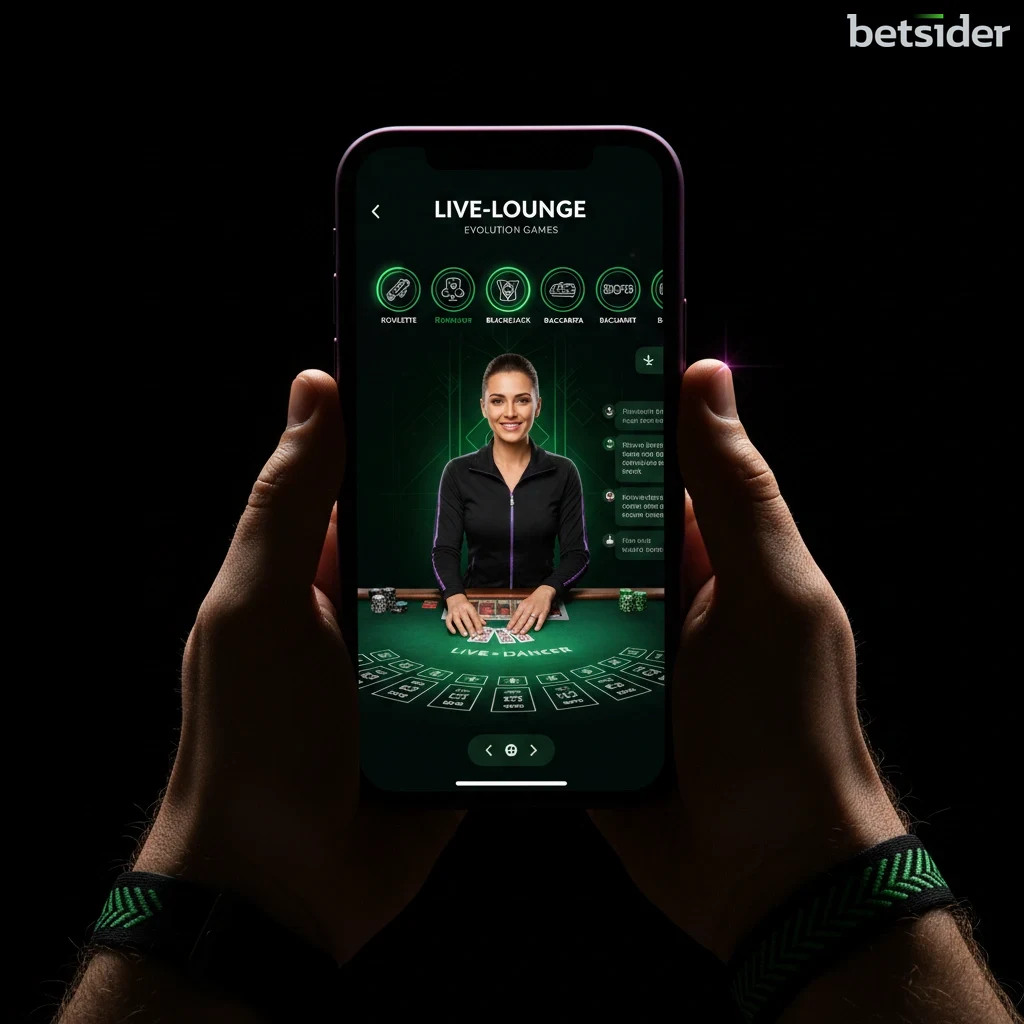
Live dealer lobby inside the app
Slot filter menu for quick browsing
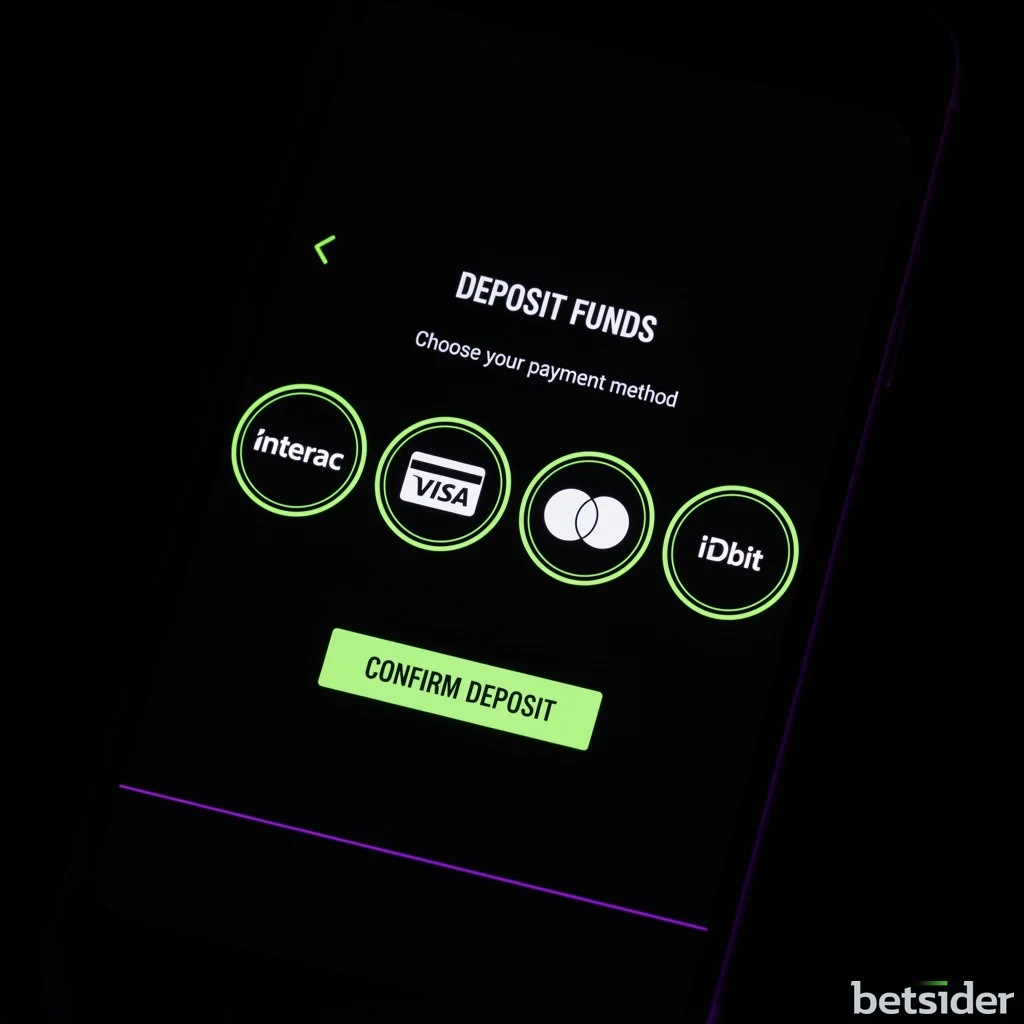
In-app cashier for deposits

Install the App and Claim the Welcome Bonus

Download Now

What You Can Play and Bet On

Casino Gaming Inside the App

The casino side of the app opens onto the same 5,000+ game library the desktop site runs, not a trimmed mobile subset. Slots make up most of that count, spanning classic three-reel titles, cluster-pays and progressive jackpots, and a search bar plus provider filters keep a collection this size manageable on a smaller screen. HTML5 delivery means titles load inside the app shell rather than needing a separate download per game, so switching between a slot and a table title is close to instant.

RNG table games sit alongside the slots, and the live dealer floor runs from the same menu, streaming blackjack, roulette and baccarat tables without leaving the app. The slot categories match what shows up in the app filters exactly, so research done on a laptop carries over to a phone without relearning a different menu, and demo mode stays available for anyone who wants to try a title before switching to real-money play.

Sports Betting Inside the App

The sportsbook inside the app mirrors the desktop board, pre-match and live odds across the same sports list, weighted toward the leagues Canada follows closely. A bet slip built for touchscreens handles singles and parlays with large tap targets, and live markets update on the same feed the desktop site uses, so a line moving mid-game shows up on the phone at the same moment it changes on a laptop.

Cash Out works from the app exactly as it does on desktop, settling an eligible single or accumulator bet before the final whistle from the account's bet history screen. Bettors who want the full market breakdown before installing anything can read through the dedicated Betsider sportsbook page, which lists every sport and bet type the app also carries.

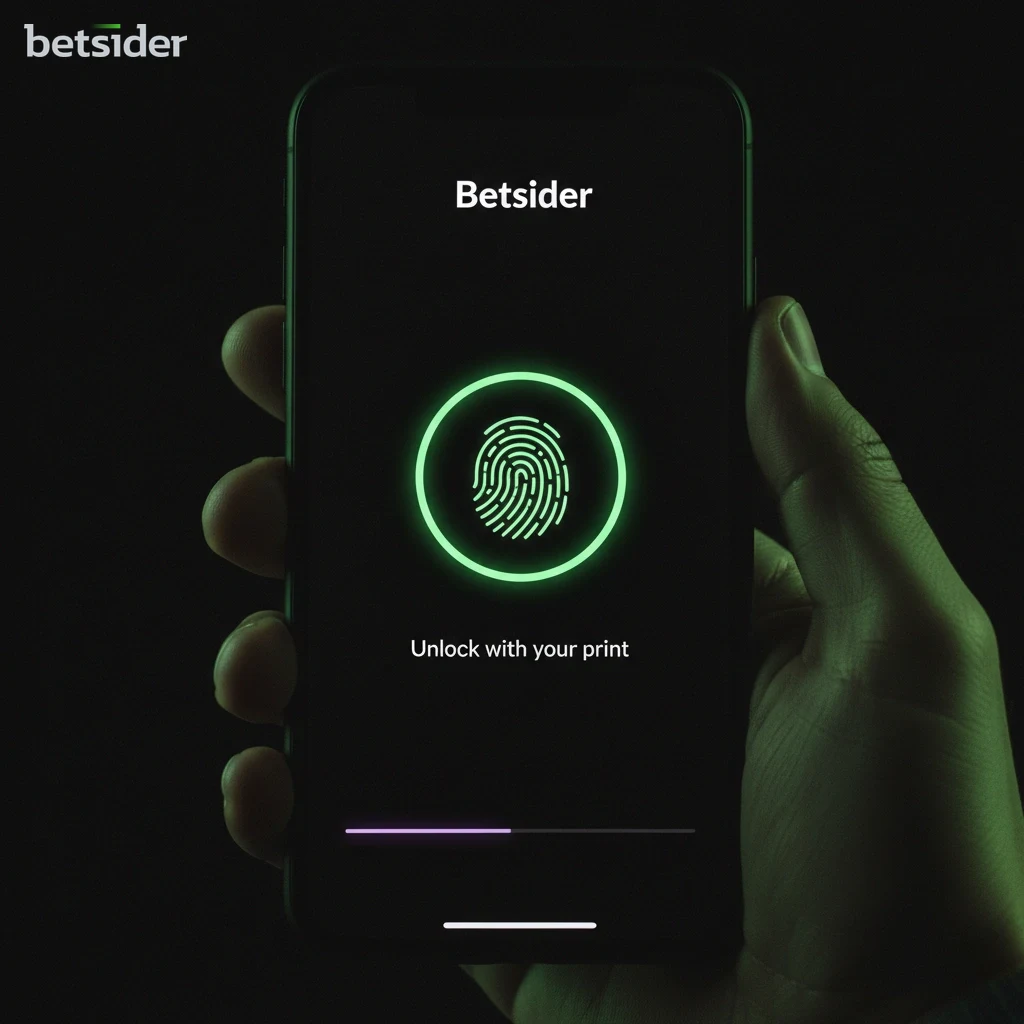
Betsider app login screen prompting for fingerprint authentication

App Security and Biometric Login

Every session inside the app runs over 256-bit SSL encryption, the same standard used on the desktop site and comparable to what Canadian banks rely on for online banking. That covers login credentials, deposit and withdrawal details, and general account activity, so nothing travels between the device and the servers unprotected.

Biometric login is the other half of the security picture. Face ID or a fingerprint scan replaces typing a password on every open, and the option lives in the account settings menu for anyone who wants to switch it on after the first manual login. Support stays reachable around the clock from inside the app itself, so a locked account or a login issue does not require switching to a desktop browser to get help.

Device Requirements

The build is designed to run on the phones and tablets people already carry rather than a narrow list of flagship models. The table below covers what a device needs on each side.

What a device needs for mobile play
RequirementiOSAndroid
πŸ“± Device typeiPhone or iPadPhone or tablet
πŸ–₯️ Operating systemA modern iOS releaseA modern Android release
🌐 ConnectionStable Wi-Fi or mobile dataStable Wi-Fi or mobile data
πŸ’Ύ StorageFree space for the app installFree space for the APK install
πŸ” Biometric hardwareFace ID or Touch ID (optional)Fingerprint sensor (optional)
🧭 AlternativeMobile browser, no install neededMobile browser, no install needed
Payment method screen inside the Betsider app showing Interac and card options

Payments and Payouts in the App

The in-app cashier carries the same methods as the desktop site: Interac e-Transfer, Visa and Mastercard, a handful of e-wallets, and major cryptocurrencies. A minimum deposit of C$20 applies across most of them, and deposits land in the balance right away, so there is no wait between funding the account and placing a first bet or spin.

Withdrawals follow the same review process as desktop, then move at the pace of the method: e-wallets and crypto usually clear within 0 to 24 hours once approved, while cards and bank transfers take longer through their own processing rails. Full limits and timing per method sit on the dedicated Betsider payments page, which the in-app cashier links out to from its help section.

App or Mobile Browser

Choosing the Native Build

Installing gives a home screen icon, push notifications for odds moves and bonus alerts, and biometric login, none of which a browser tab can offer on its own. The trade-off is the install step itself, small on iOS through the App Store and a little longer on Android through the APK, plus the storage space the download takes up on the device.

Choosing the Mobile Browser

The mobile site mirrors every feature the native build has, the full casino, the full sportsbook, the same cashier and account tools, without a download or a storage footprint. It is the practical option for a shared device or a quick session, though it will not send push alerts or offer biometric sign-in the way an installed build does.

Everyday App Benefits

One Wallet for Everything

Casino and sportsbook balances share a single wallet, so a deposit funds both without moving money between separate accounts.

Biometric Sign-In

Face ID or a fingerprint replaces typing a password on every open, without weakening the login security behind it.

Push Alerts

Notifications flag odds moves on tracked events and new bonus offers, so nothing important gets missed between sessions.

Runs on HTML5

Games and betting screens load in a lightweight shell rather than heavy native code per title, which keeps switching between sections quick.

Full Cashier Access

Deposits, withdrawals and payment method management stay inside the app, with no need to open a browser for account banking.

Support Without Leaving the App

Live support sits inside the main menu around the clock, so a question about a bet or a payment gets answered without switching screens.

No Storage Guesswork

Both builds install like any standard mobile app, and the mobile browser site remains available for anyone who prefers skipping installation.

App Security and Player Protection

Encrypted data lock icon representing app security

Encrypted Data

All information moving through the mobile platform, from login details to payment data, runs behind 256-bit SSL encryption end to end.

Licensing badge representing the Betsider gaming licence

Licensed Operation

Betsider operates under a Government of CuraΓ§ao gaming licence, which sets the rules the platform follows for fair play and player fund handling. An independent look at the operator sits on the full Betsider review.

Responsible gaming settings screen with deposit limit controls

Responsible Gaming Tools

Deposit limits, session reminders, cool-off periods and self-exclusion are all reachable from the account section on mobile.

Identity verification document check icon

Identity Verification

A standard identity check applies before a first withdrawal, matching the same process used on the desktop site.

Core App Features

Unified Casino and Sportsbook

One login reaches the full casino library and the sportsbook together, sharing a single balance.

Biometric Login

Face ID and fingerprint sign-in are both supported, cutting down on password entry without weakening account security.

Push Notifications

Opt-in alerts cover odds changes on followed events and new promotional offers as they go live.

In-App Banking

Interac, Visa, Mastercard, e-wallets and crypto are all available from the cashier, with the same C$20 minimum deposit as desktop.

HTML5 Performance

The app runs on HTML5 rather than a heavy native build, which keeps it working smoothly on modern iOS and Android phones and tablets.

24/7 In-App Support

Live support is reachable from the main menu at any hour, without needing to switch over to the desktop site.

From Download to First Bet

1

1. Pick iOS or Android

Open the Apple App Store on iPhone or iPad, or use the Android download link on this page to start the secure APK on a phone or tablet.

2

2. Install and Sign In

Follow the standard install prompts, then open the app and log in with an existing account or register a new one directly on the login screen.

3

3. Fund the Account

Open the cashier and deposit through Interac, a card, an e-wallet or crypto. The minimum on most methods is C$20, and funds land instantly.

4

4. Play or Place a Bet

With a funded balance, open the casino lobby or the sportsbook tab, pick a game or a market, and confirm the wager.

App Promotions and Bonus Access

New Canadian players who install the app can still open with the platform-wide casino welcome offer, a 100% match up to C$1,000 plus 200 free spins on a first deposit of C$20 or more, opted into directly from the in-app cashier rather than through a separate desktop step. Wagering and eligibility terms match what applies on the desktop site exactly, since the offer sits on the account rather than the device used to claim it.

Reload spins, cashback and any sportsbook freebets follow the same rule: whatever runs on the promotions page is available and trackable from inside the app, with progress on an active offer visible from the account section in real time. Enabling push notifications is worth doing for anyone who wants a heads-up on new, time-sensitive spins or reload deals. The complete, current list of active offers and their terms lives on the main Betsider bonuses page.

Strengths and Drawbacks

Strengths

One Account, Two Products

Casino and sportsbook run from the same login and the same wallet, so switching between a slot and a live bet takes one tap.

Biometric Security

Face ID and fingerprint login are both supported, adding convenience without dropping the account behind a weaker password-only setup.

No Feature Trimming

The build carries the same game library, sportsbook coverage and payment methods as the desktop site rather than a reduced mobile version.

Drawbacks

No Google Play Listing

Android users install through a direct APK rather than the Play Store, which means approving a one-time permission most app store downloads skip.

Extra Step on Android

The Android path takes slightly longer than tapping install in a familiar store, though the mobile browser site remains available for anyone who prefers skipping it entirely.

What Canadian Players Say About the App

Switching between live blackjack and a Leafs bet without opening two apps is the part that stuck with me. Everything runs off the one balance, so there is no shuffling money around before placing either kind of bet.

Γ‰milie R., Ottawa, ON

Fingerprint login sounds minor until you are trying to place a live bet quickly. It shaves off the password step every time, and the app has not asked me to sign in manually in weeks.

Tyler S., Winnipeg, MB

The Android install through the APK took an extra minute compared with a normal app store download, but once it was on my phone it has run exactly like the iOS version friends describe.

Priya N., Surrey, BC

App by the Numbers

5,000+ Casino Games
30+ Sports Covered
0–24h E-Wallet Payouts
C$20 Minimum Deposit

Betsider App: Quick Questions Answered

🍁 Is the Betsider app available in Canada?

Yes. The Betsider app is built for Canadian players, with the casino and sportsbook priced in Canadian dollars and Interac sitting alongside cards, e-wallets and crypto in the cashier. The platform runs under a Government of CuraΓ§ao licence, and every connection inside the app uses 256-bit SSL encryption for account and payment data.

πŸ“² Is the Betsider app free to download?

Yes, downloading and installing the app costs nothing on either iOS or Android. A deposit is only needed once real-money play begins in the casino or the sportsbook, and the minimum on most payment methods is C$20. Demo play on many slots is available before any deposit is made.

🍏 How do I install the Betsider app on iPhone?

Open the Apple App Store, search for the app or follow the link on the Betsider iOS app page, then tap Get and confirm with Face ID, Touch ID or an Apple ID password. The icon appears on the home screen once the download finishes, ready to open and sign in.

πŸ€– How do I install the Betsider app on Android?

Android does not use a Google Play listing. Instead, a secure APK downloads directly from the site, and the device usually prompts for a one-time permission to allow installs from outside the Play Store. Once that is approved, opening the downloaded file completes the install like any other app.

πŸ” Do I need a separate account for the app?

No. The app and the desktop site share one account, so an existing login works immediately after installing, with the same balance, betting history and settings on both. A new player can also register directly from the app's login screen without visiting a browser first.

🎰 What casino games are in the Betsider app?

The app carries the same 5,000+ title Betsider casino library as desktop, covering slots, RNG table games and a live dealer floor. Filters for provider, game type and new releases work the same way as on a laptop, and most slots include a demo mode for practice play.

πŸ’ Can I bet on sports through the app?

Yes, the full sportsbook is built into the app, with pre-match and live odds across the same sports the desktop site covers, plus Cash Out on eligible single and accumulator bets. The bet slip supports singles, parlays and system bets, and everything shares the casino wallet.

πŸ“Ί Does the app include live dealer games?

It does. The live dealer floor streams inside the app the same way it does on desktop, with blackjack, roulette and baccarat tables loading in HD without a separate download or plug-in.

πŸ’³ What payment methods work in the app?

The in-app cashier supports Interac e-Transfer, Visa, Mastercard, several e-wallets and major cryptocurrencies, matching the full list on the Betsider payments page. Deposits land instantly, and e-wallet or crypto withdrawals usually clear within 0 to 24 hours once approved.

🎁 Can I claim bonuses through the app?

Yes, the welcome offer and any active reload, cashback or freebet promotions can be opted into and tracked from inside the app, exactly as on desktop. The current terms for every offer sit on the Betsider bonuses page for a full read before opting in.

πŸ“Ά What devices does the app support?

The app is built for modern iOS and Android phones and tablets rather than a narrow list of specific models. It runs on HTML5, which keeps performance smooth across a wide range of recent devices, and a stable Wi-Fi or mobile data connection is all that is needed beyond free storage space for the install.

🌐 Is there an alternative to installing the app?

Yes, the mobile browser site mirrors every app feature, the full casino, the full sportsbook, the cashier and account tools, with no download at all. It suits a shared device or a one-off session, though it skips push notifications and biometric login, which only the installed app offers.

Get the App Today

Download Now